Sample Projects Setup
The repository includes ready-to-use sample projects (.vkgs files) that demonstrate various features of the application. Each project combines Gaussian Splatting radiance fields with lighting, shadows, and optionally mesh assets to showcase different rendering capabilities.
Getting the Sample Data
The sample projects reference external datasets (splat models, mesh assets) that are not bundled with the repository. A build script is provided to download all required assets automatically.
Using the build script
From the repository root, run the following in a Linux terminal or Git Bash on Windows:
The script downloads all required assets into a data/ folder next to the .vkgs project files. Assets that are already downloaded are skipped, so the script is safe to re-run.
You can specify an alternative destination folder:
The script will copy the .vkgs project files and download assets into that location.
See samples/README.md for more information.
Pre-built downloads
Pre-built sample data packages are not yet available. Check back for future releases that will include downloadable archives.
Opening a Project
Once the assets are downloaded, open any .vkgs file using one of these methods:
- Drag and drop the
.vkgsfile onto the application window - File > Open from the menu
- Command line:
Available Samples
-
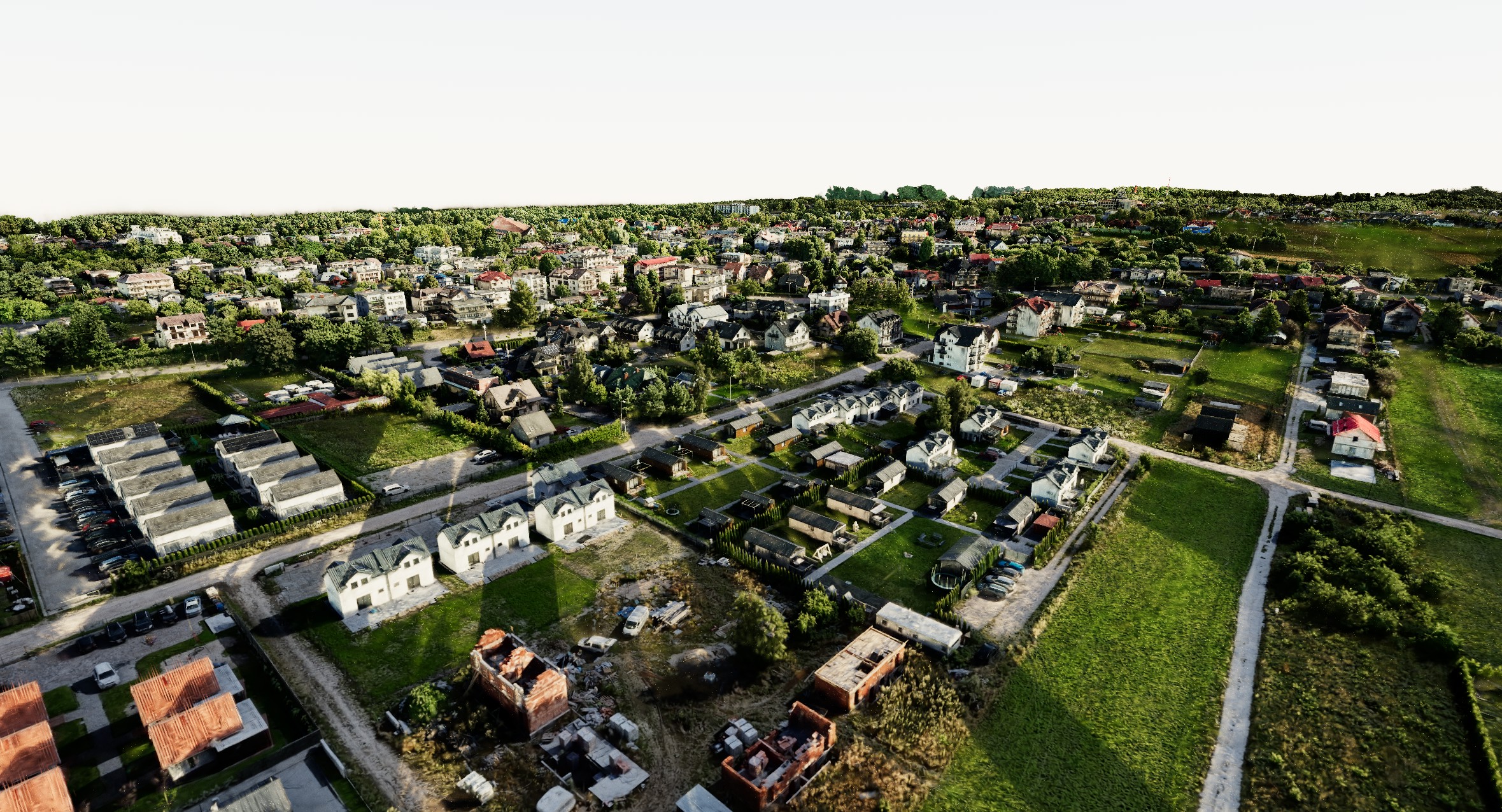
Large City — Sky Environment
A 103M-splat outdoor city scene with physical sun/sky lighting and ray traced shadows.
-
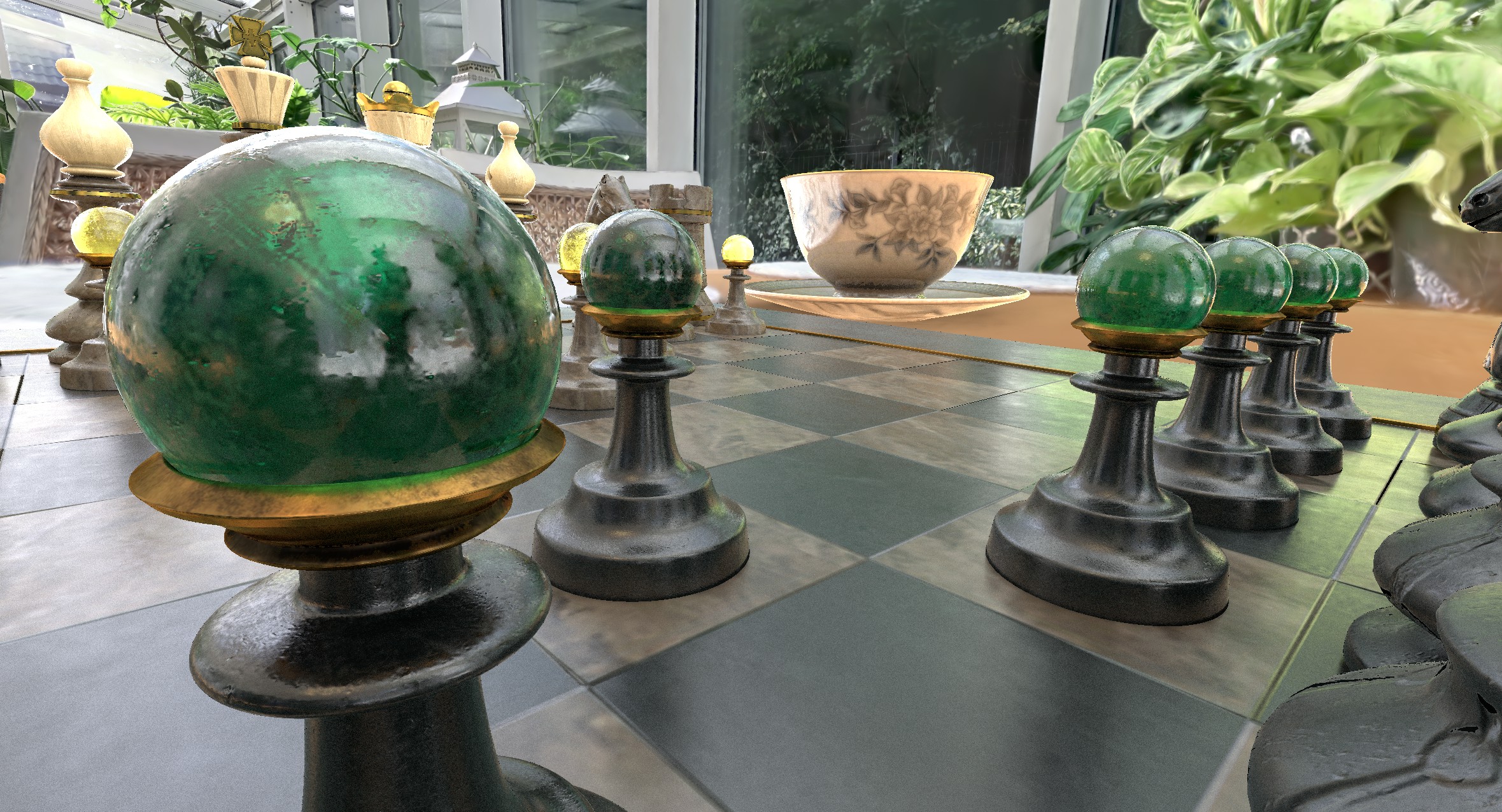
Winter Garden - Splat Set as Light Source
Hybrid rendering with glTF mesh models (Teacup, Chess set) lit by the splat radiance field.
-
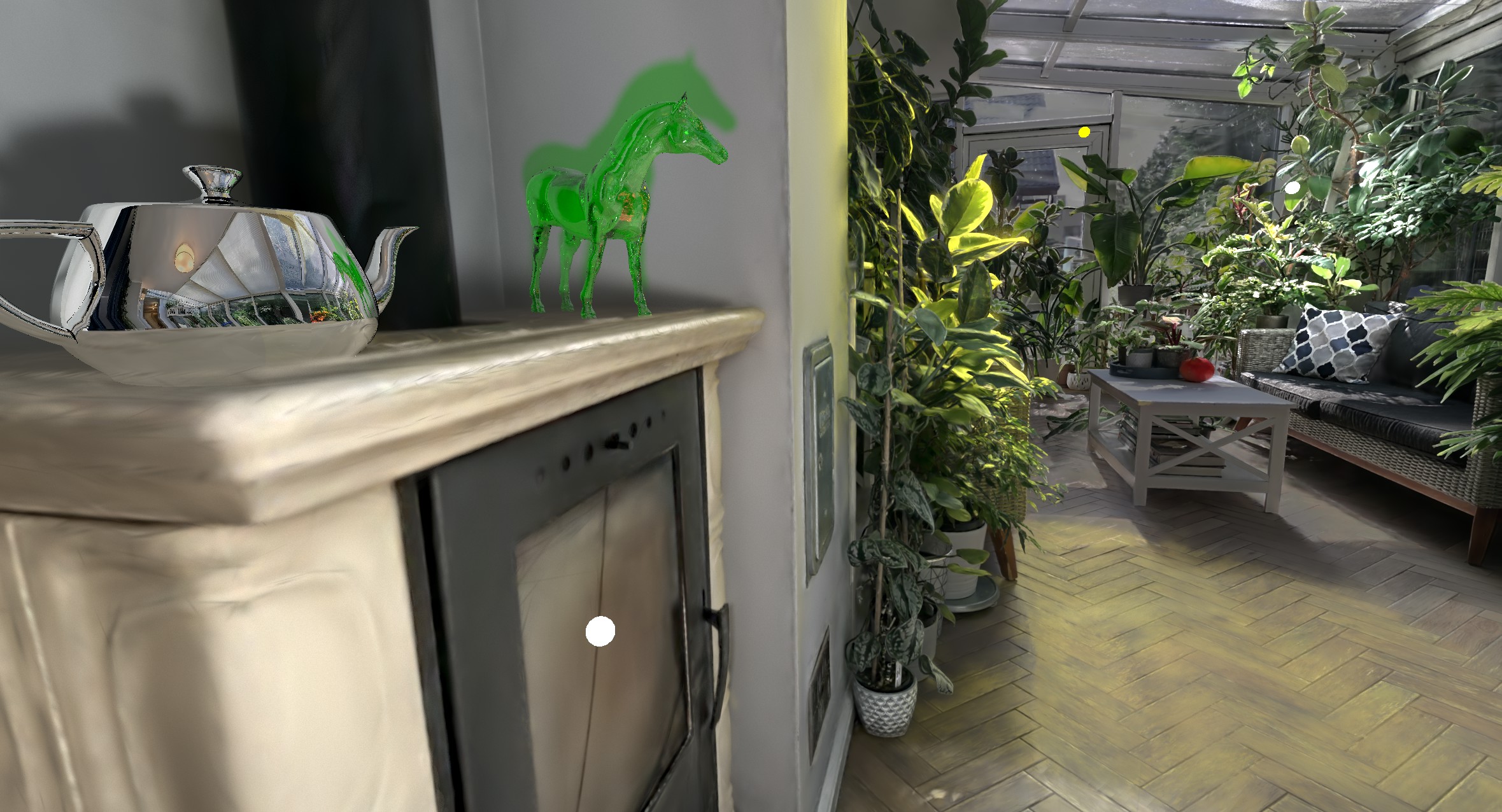
Winter Garden - Point Lights and Shadows
RTX ray-traced lighting and shadows on mesh objects (horse, teapot) placed in a winter garden.